Quick Search on OpenAlex
Q
How to perform Quick Search on OpenAlex?
✍: FYIcenter.com
A
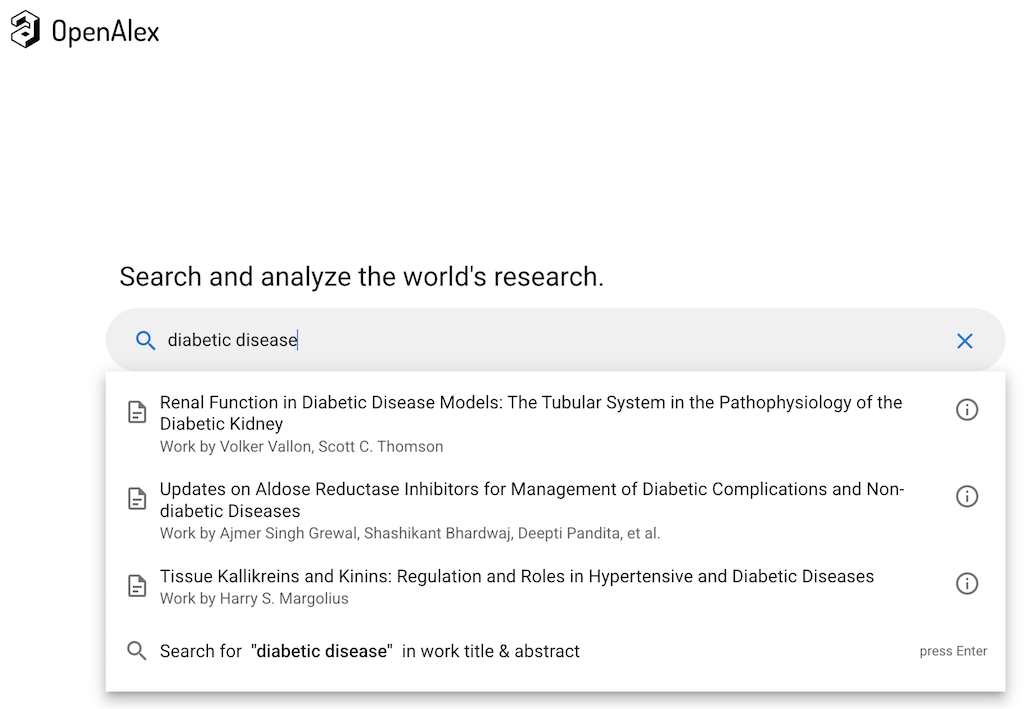
 You can follow these steps to perform Quick Search on OpenAlex.
1. Go to OpenAlex Website.
2. Start to type "diabetic disease..." in the search input box. You see a dropdown box with some matches.
3. Select any entry in the dropdown list.
4. Or press "Enter" key to perform a search. You see a list of matched results.
2025-05-05, ∼873🔥, 0💬
Related Topics:

