Browse Journals on JSTOR Website
Q
How to browse journals by their titles on JSTOR?
✍: FYIcenter.com
A
 You can follow these steps to browse journals by their titles on JSTOR.
1. Go to JSTOR Website.
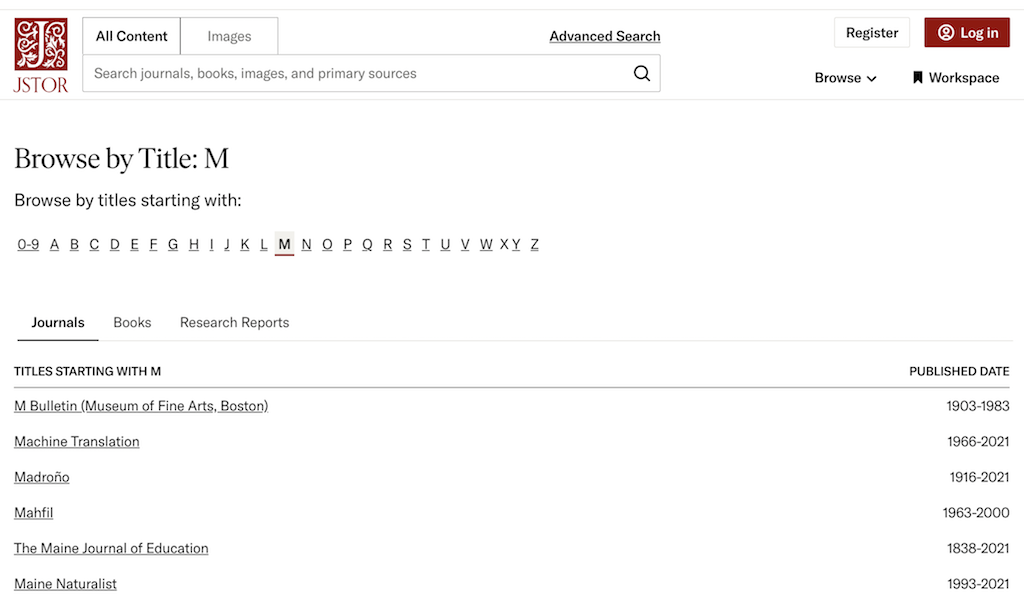
2. Select "Browse > By title - Journals and Books" in the menu. You see all journals listed alphabetically and grouped by the first letter of journal title.
3. Click on "M" in the group index list. You see all journals whose titles start with letter "M".
2025-04-19, ∼540🔥, 0💬
Related Topics:
 DOI: 10.1051/mattech/192306090363
Paper Summary: Title: Le salon automobile de 1923 Year: 1923 DOI: 10.1051/mattech/192306090363 2025-07-14, ∼1093🔥, 0💬
