Advanced Search on ScienceDirect
How to perform Advanced Search on ScienceDirect Website?
✍: FYIcenter.com
 You can follow these steps to perform Advanced Search on ScienceDirect Website.
1. Go to ScienceDirect Website.
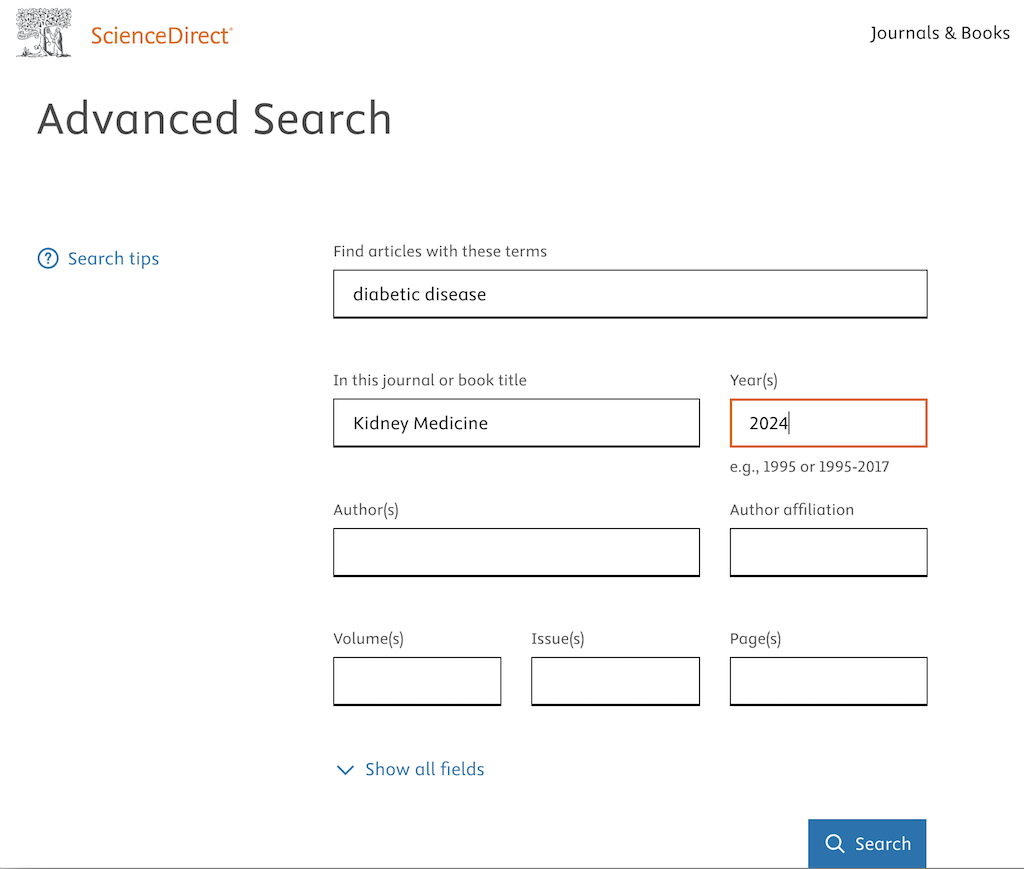
2. Click the "Advanced Search" link below the search box. You see a search form displayed.
3. Start to type "diabetic dis..." under "Find articles with these terms". You see a list of matching terms displayed. Select "diabetic disease" from the list.
4. Start to type "kidney..." under "In this journal or book title". You see a list of matching titles. Select "Kidney Medicine" from the list
5. Enter "2024" under "year(s)".
6. Click the "Search" button. You see search results displayed.
⇒ Browse Titles on ScienceDirect
2025-06-03, ∼1117🔥, 0💬
Related Topics:
